Problem Statement
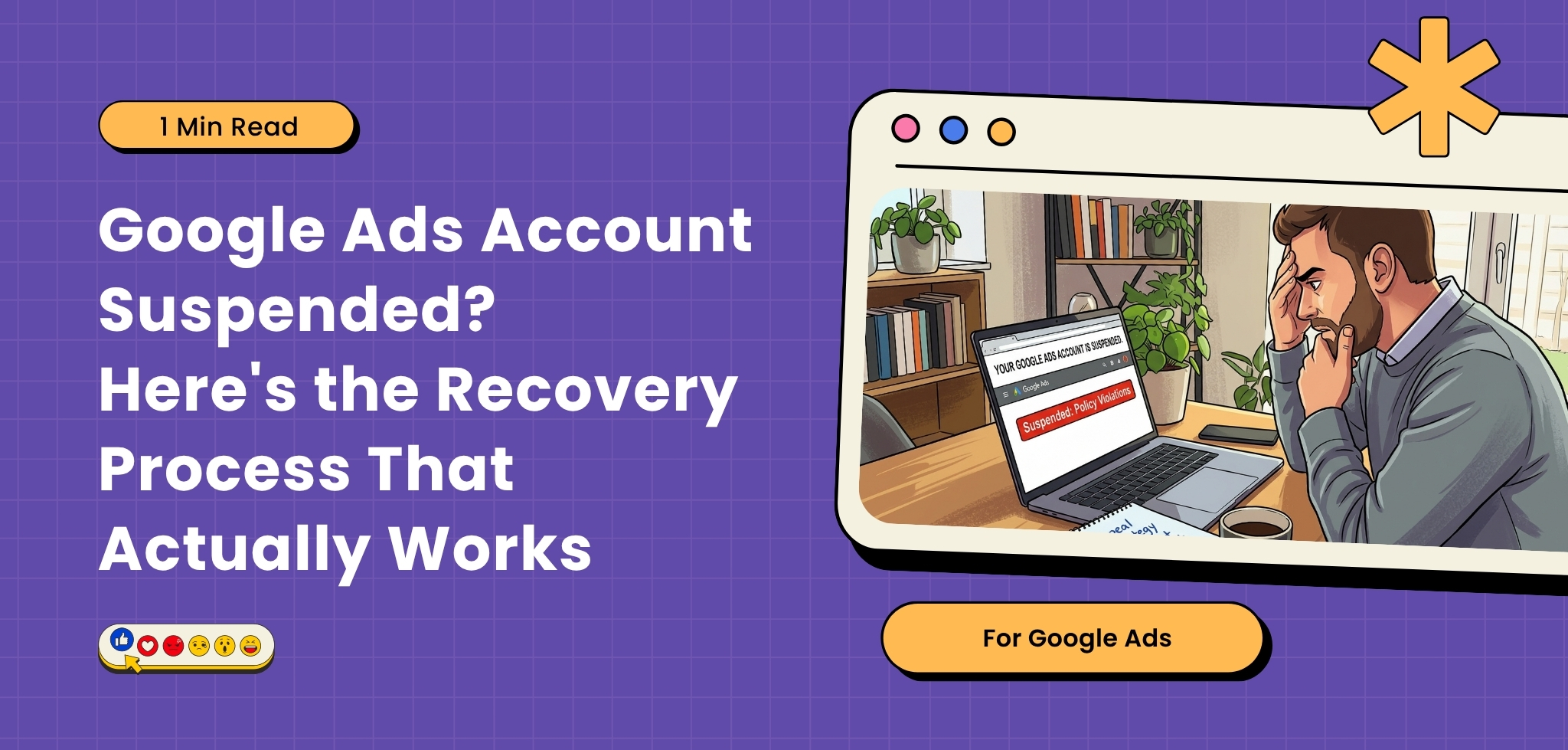
A Google Ads suspension can stop your campaigns overnight and create an immediate business problem. The instinct is often to create another account, change a few ads, or submit repeated appeals. That can make the situation worse. A suspension is usually connected to a policy, billing, business information, website, security, or account behaviour issue. The recovery process starts by identifying the actual reason for the suspension and fixing the underlying problem before asking Google to review the account.
Definition
A Google Ads account suspension means Google has restricted an advertiser’s ability to use the platform because it believes the account, ads, website, payment activity, or business practices violate its policies or terms. A suspension is different from an individual ad disapproval because it can prevent the entire account from serving ads.
Don’t Create Another Account First
This is one of the biggest mistakes advertisers make.
If your account has been suspended, creating another account to continue advertising can be interpreted as an attempt to circumvent Google’s enforcement systems.
Google’s Circumventing Systems policy specifically prohibits attempts to bypass enforcement actions.
The first step should therefore be diagnosis, not replacement.
Find the Actual Reason
Start with the suspension notification inside Google Ads and identify the specific policy or account issue mentioned.
Common areas include:
Misrepresentation
Problems can include misleading claims, unclear business identity, missing important information, deceptive offers, or inaccurate representations of products and services.
Billing and payment issues
Payment failures, suspicious payment activity, or problematic billing information can result in account restrictions.
Website problems
Check whether your website:
- Loads correctly
- Works on mobile
- Has functioning landing pages
- Clearly represents the advertised business
- Provides required business information
- Contains accurate pricing and offers
- Is free from security or malware problems
Restricted or prohibited products
Certain industries and products have additional requirements or restrictions. Make sure your business is eligible to advertise in the locations you target.
Run a Full Account Audit
Before appealing, review more than the campaign that was active when the suspension happened.
Check:
- Account history
- Ads and assets
- Landing pages
- Website content
- Business information
- Billing profile
- Merchant Center, if applicable
- Tracking setup
- Previous policy violations
- Domain ownership
- Security issues
The goal is to make sure the problem has actually been resolved.
Submit the Appeal Properly
Once the underlying issue is fixed, use Google’s appeal process.
Your appeal should clearly explain:
- What happened
- What caused the issue
- What you changed
- How the account now complies
- Why the account should be reviewed again
Avoid sending a generic message saying that you “did nothing wrong.”
A useful appeal gives Google a reason to reconsider the enforcement action.
What You Should Not Do!
Avoid:
- Creating replacement accounts
- Changing domains simply to bypass enforcement
- Submitting repeated appeals without making changes
- Removing only the ad that was flagged while leaving the underlying problem
- Using misleading information to regain access
- Treating the suspension as only an Ads Manager problem
Google’s policies apply to the broader advertising ecosystem, including ads, destinations, business information, and account behaviour.
Why Growthify?
Growthify approaches account suspensions as a root cause investigation, not simply an appeal writing exercise. We audit the Google Ads account, policy notifications, website, landing pages, business information, Merchant Center where relevant, and technical issues to understand what actually triggered the suspension. Once the underlying problem is identified, we help structure the corrective actions and appeal. The objective is to make the account compliant before asking Google to reconsider it.